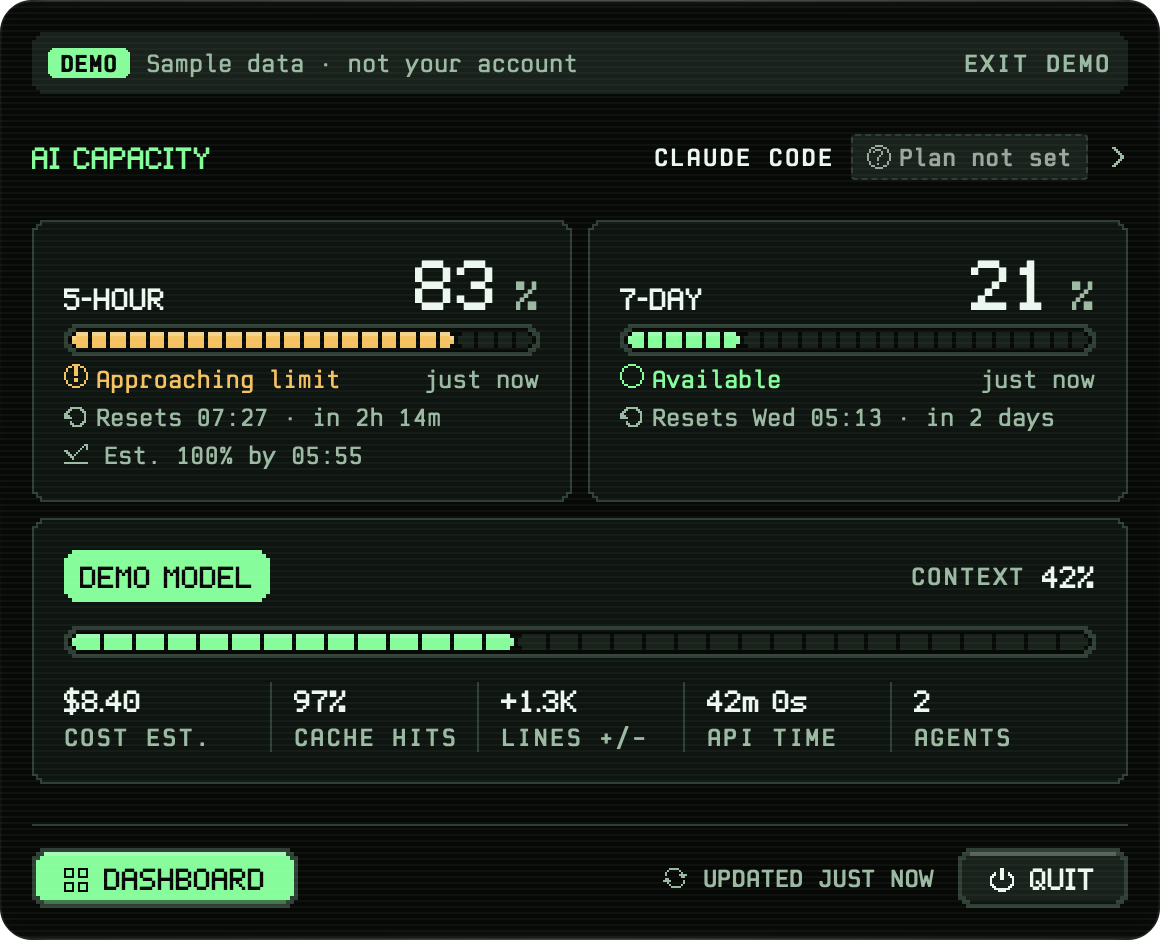
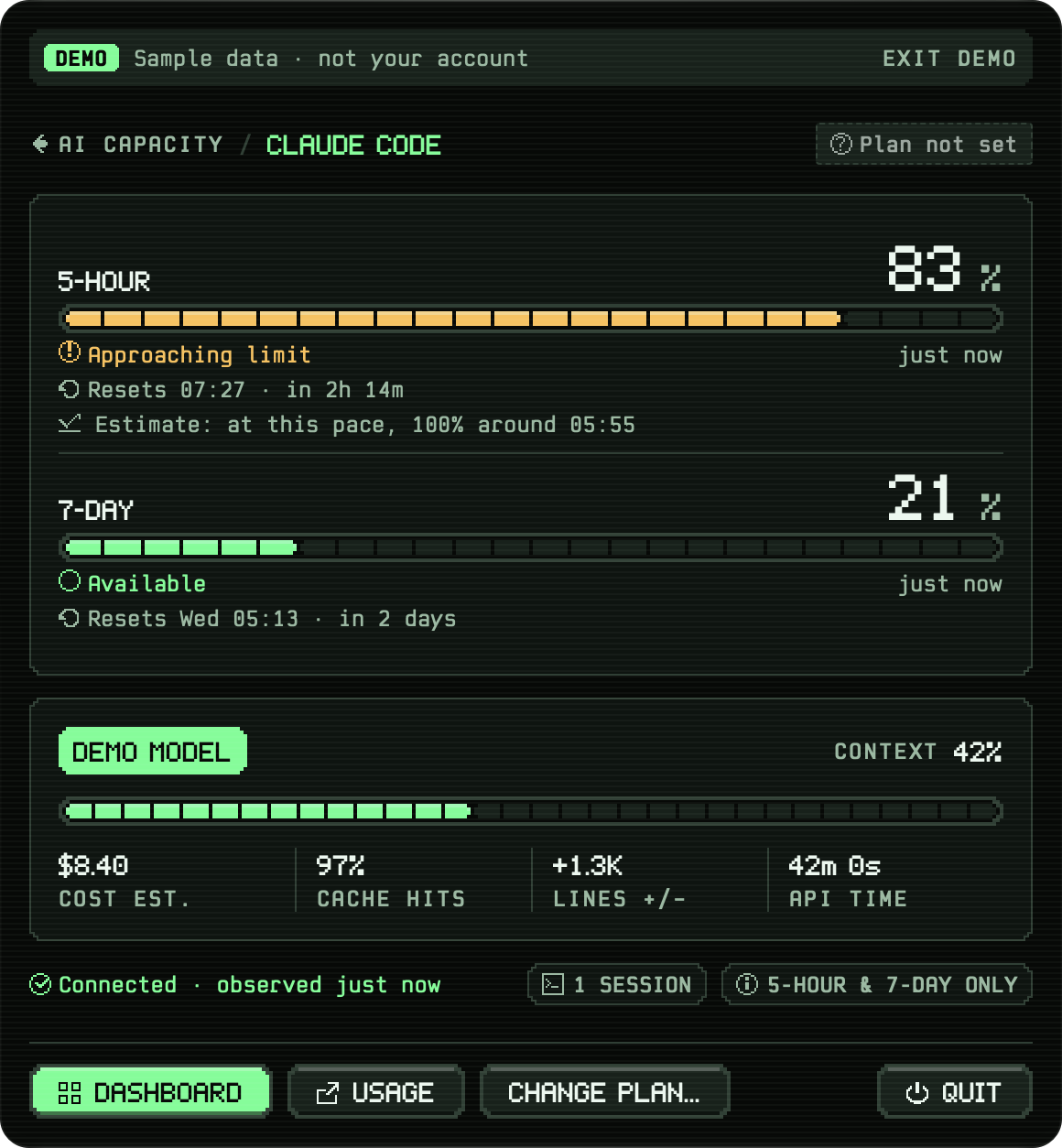
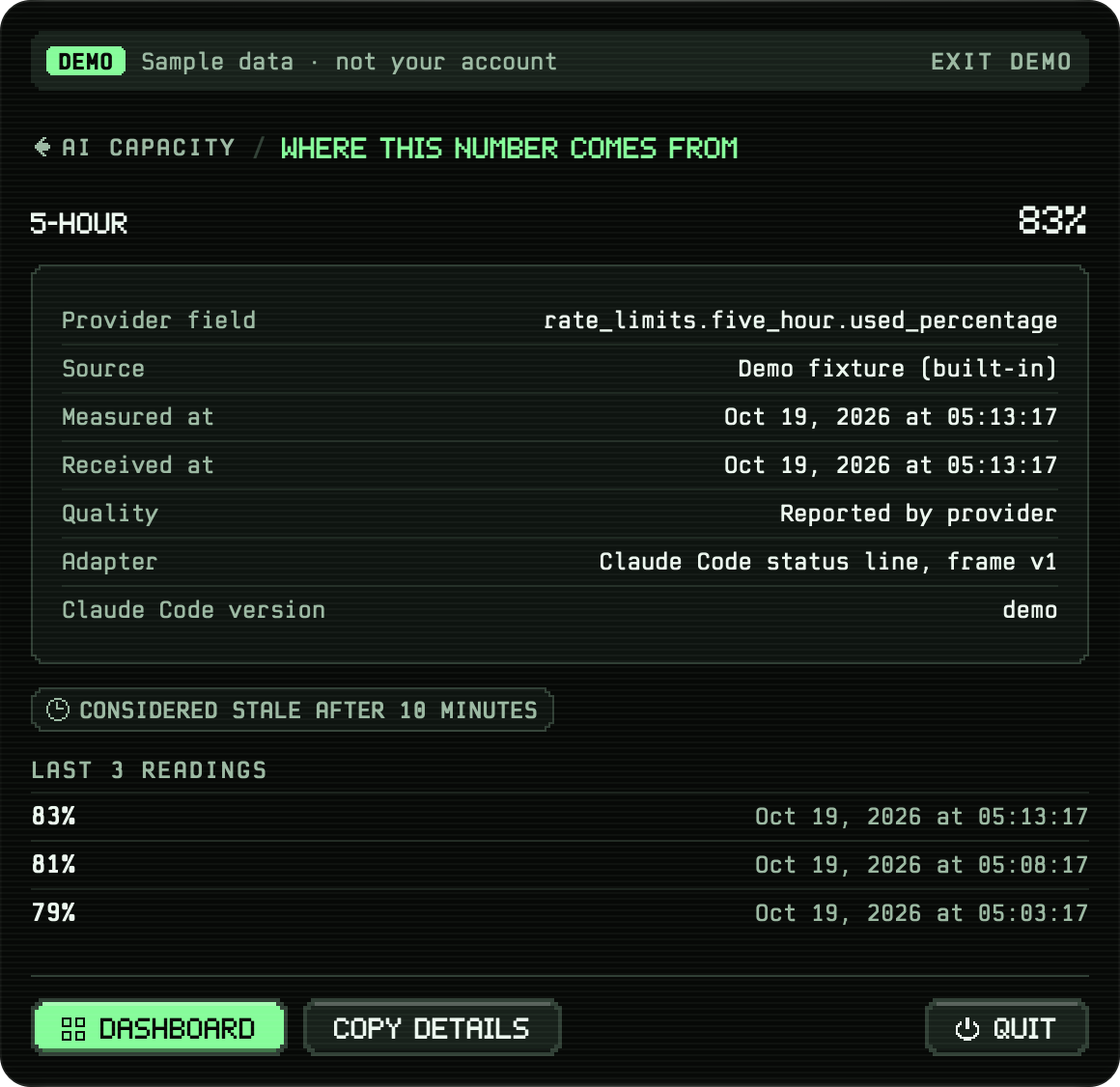
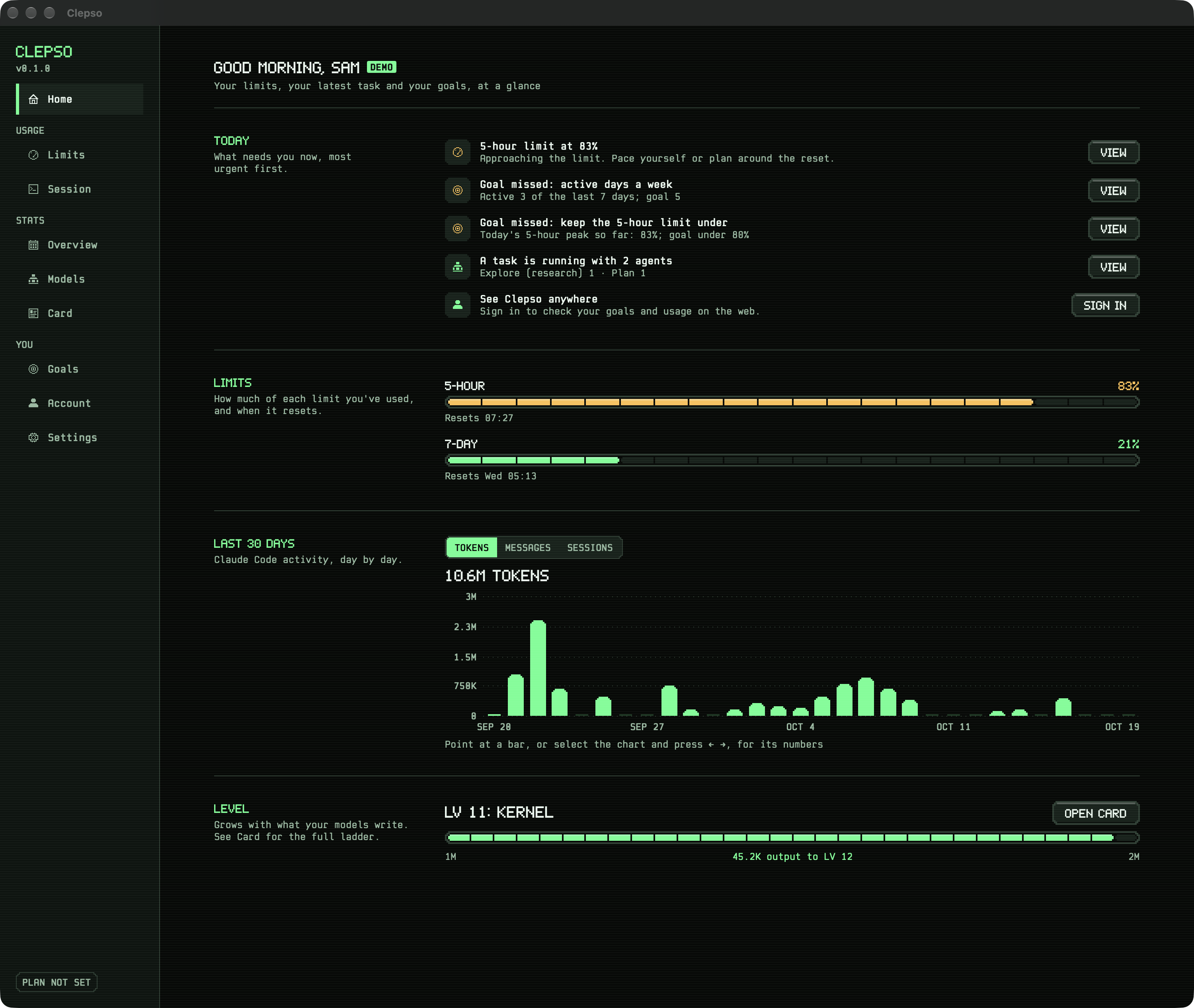
The running app, captured by its own debug probe with demo data and a synthetic statistics file. Nothing here is
a real account. Pick a group in the dock, then a screen below; select the large image to open it full size.
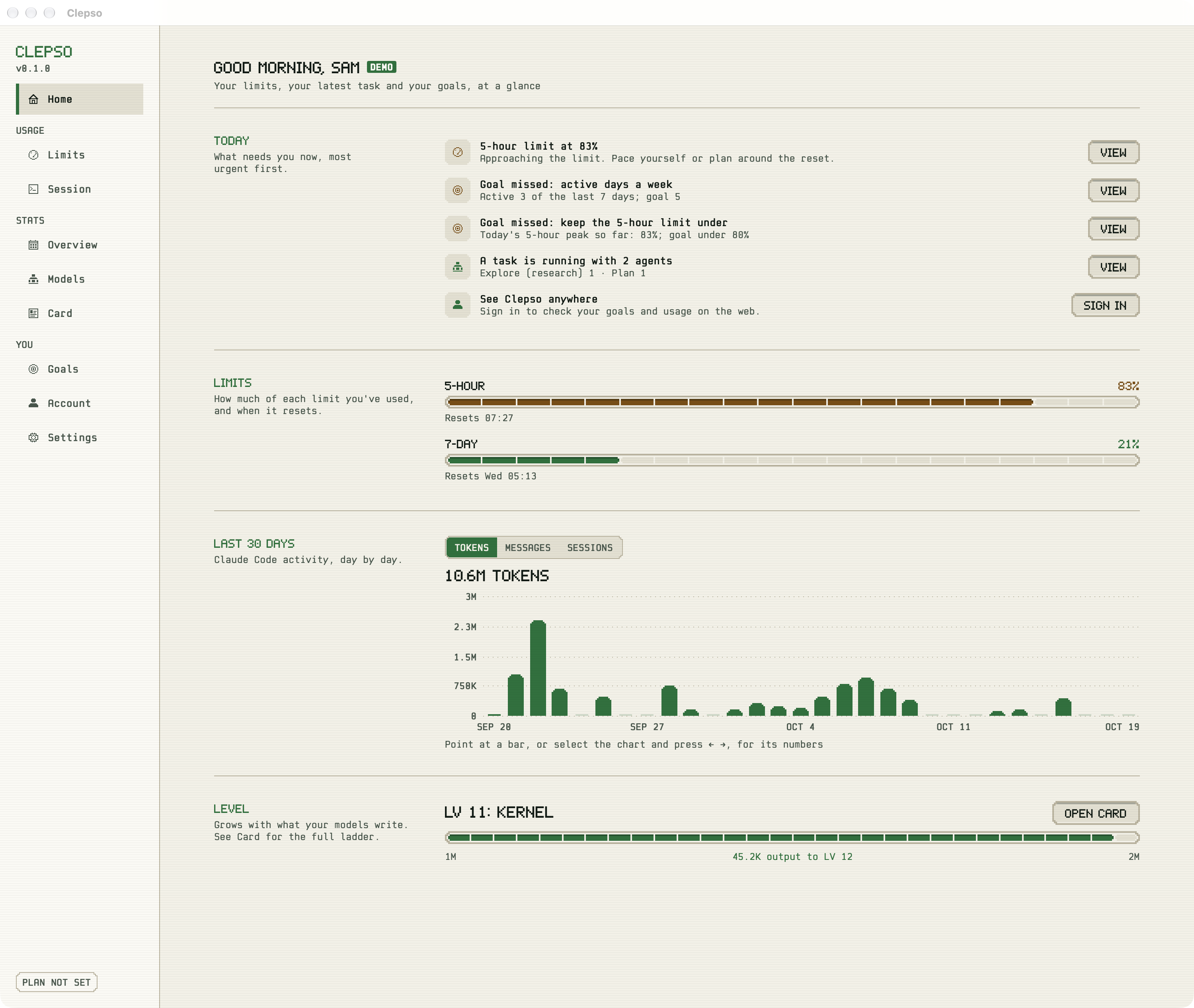
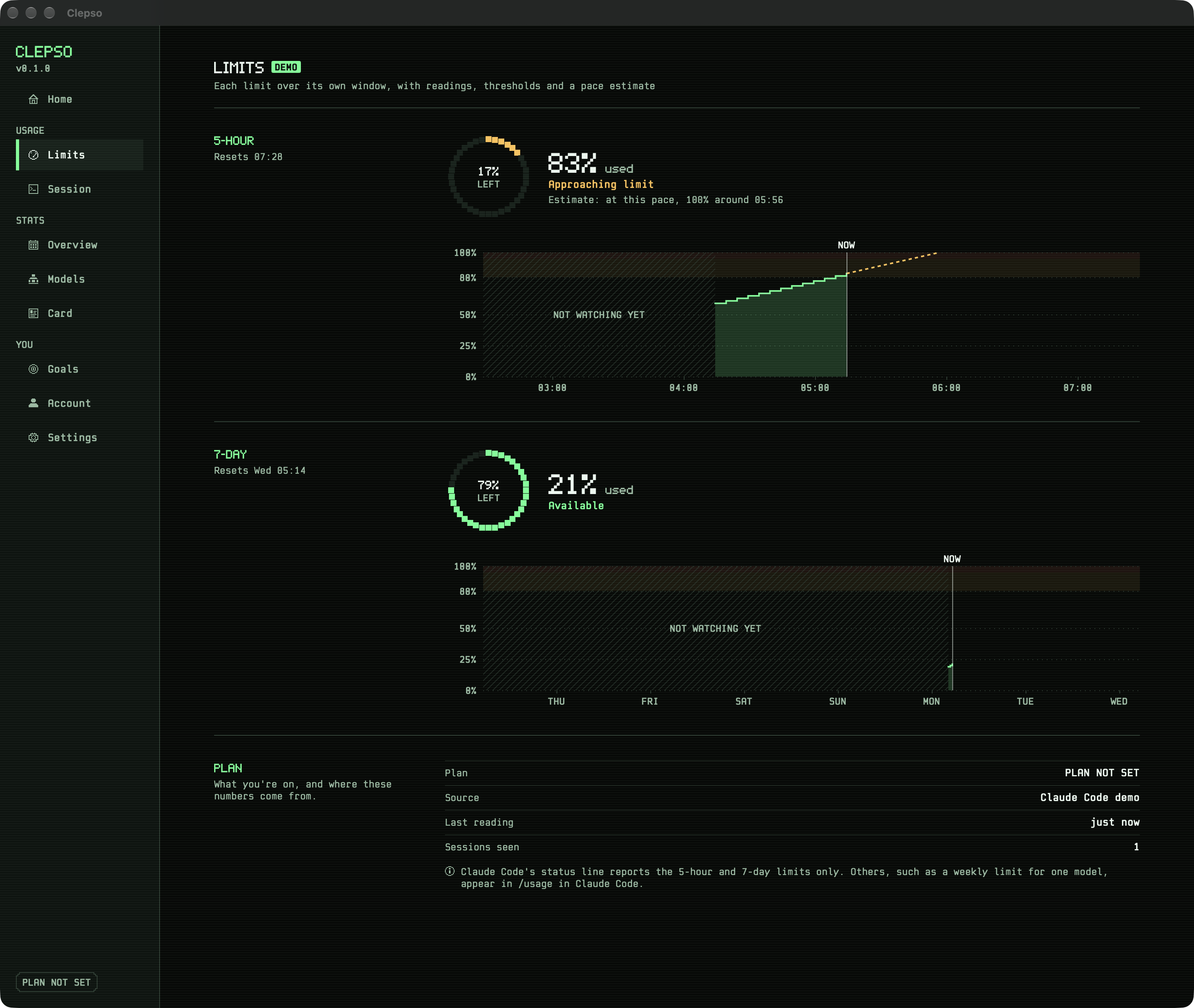
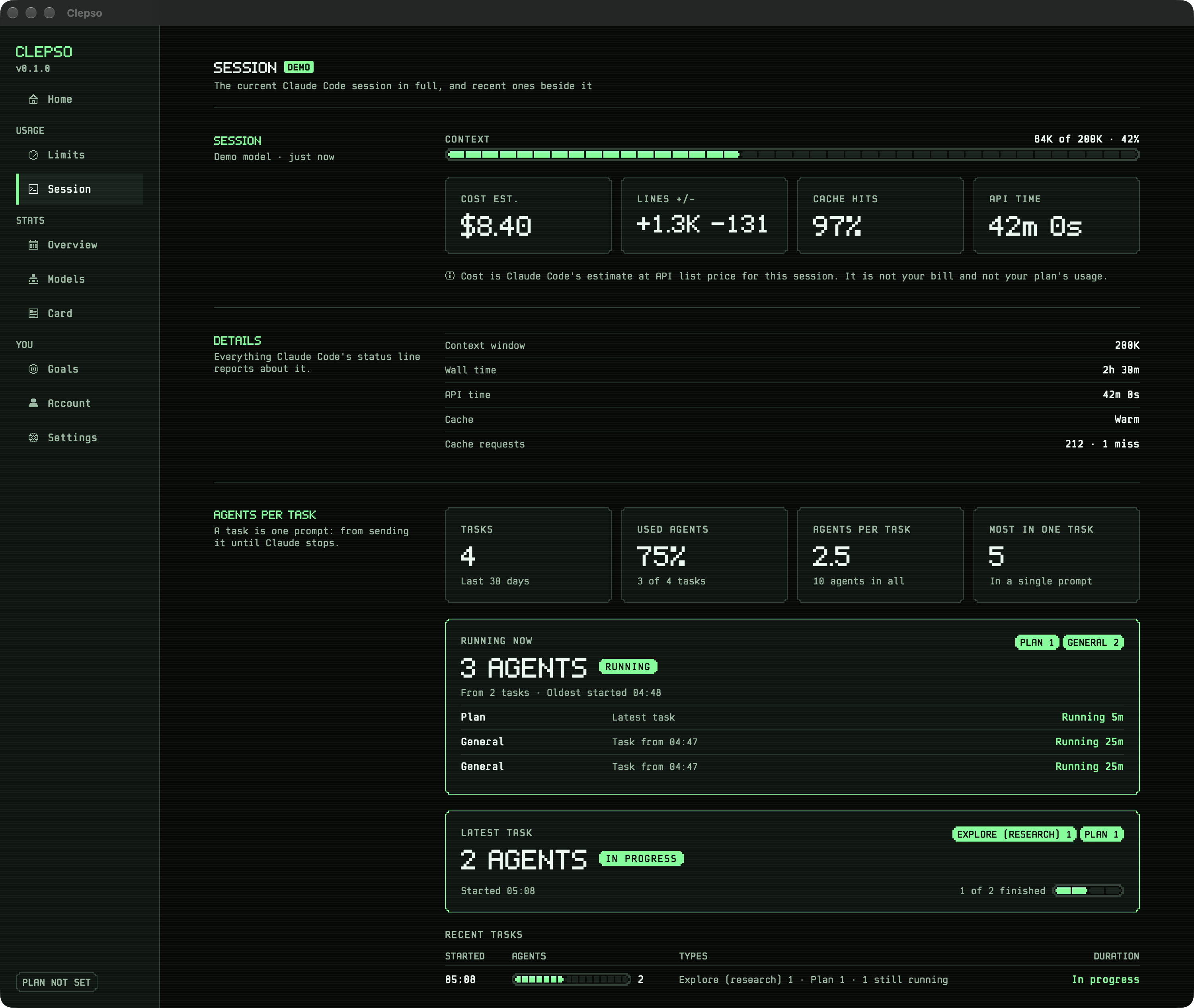
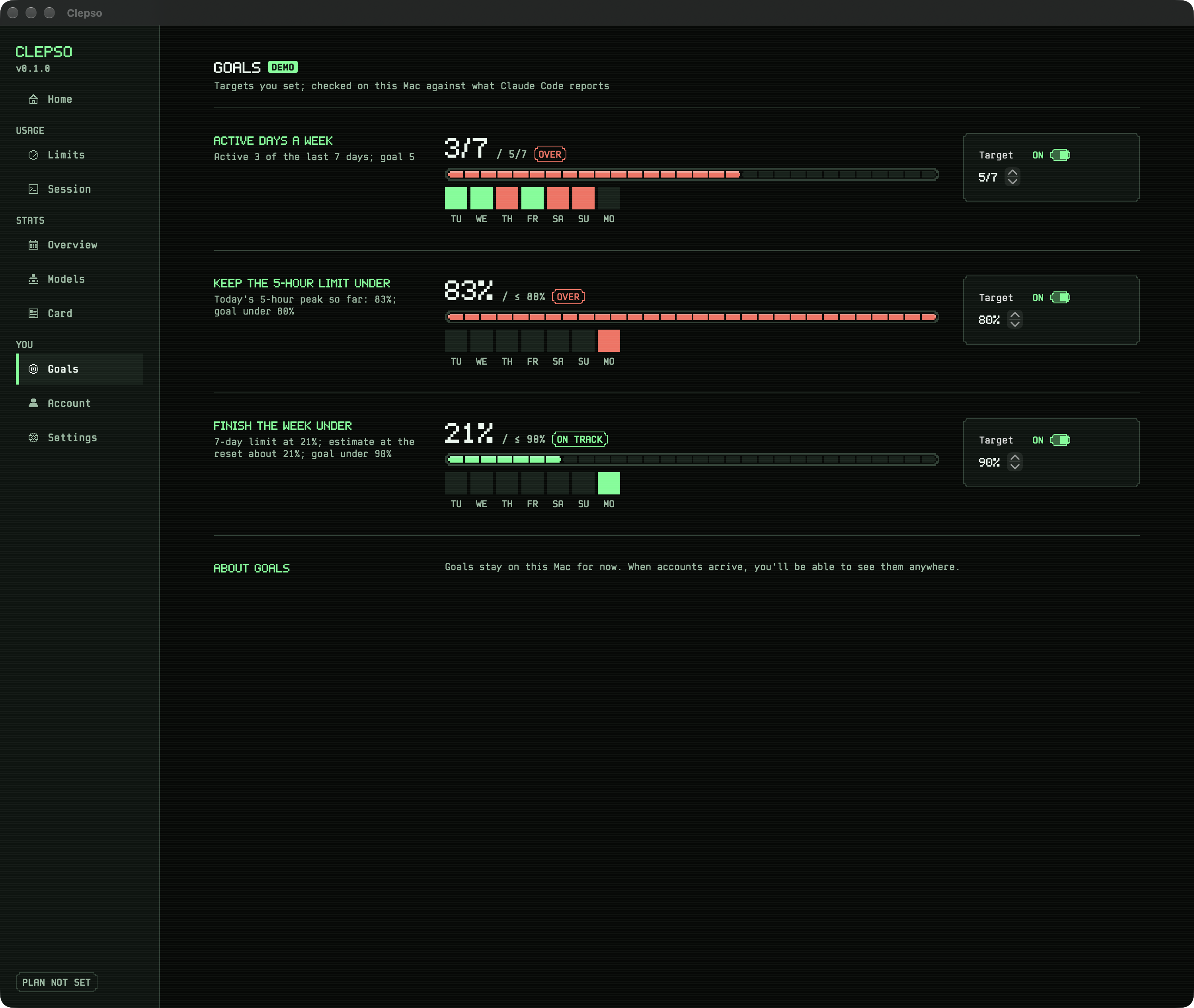
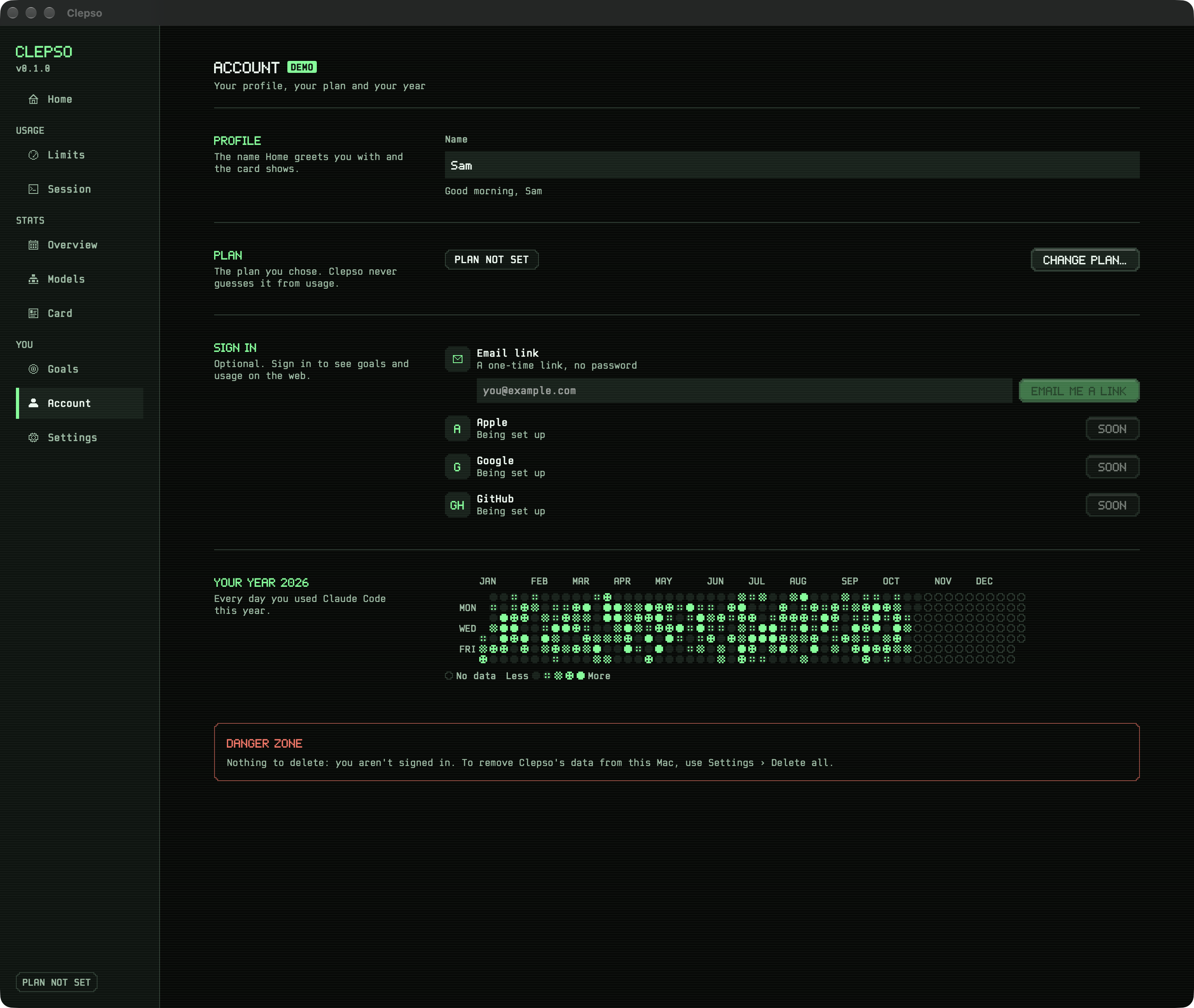
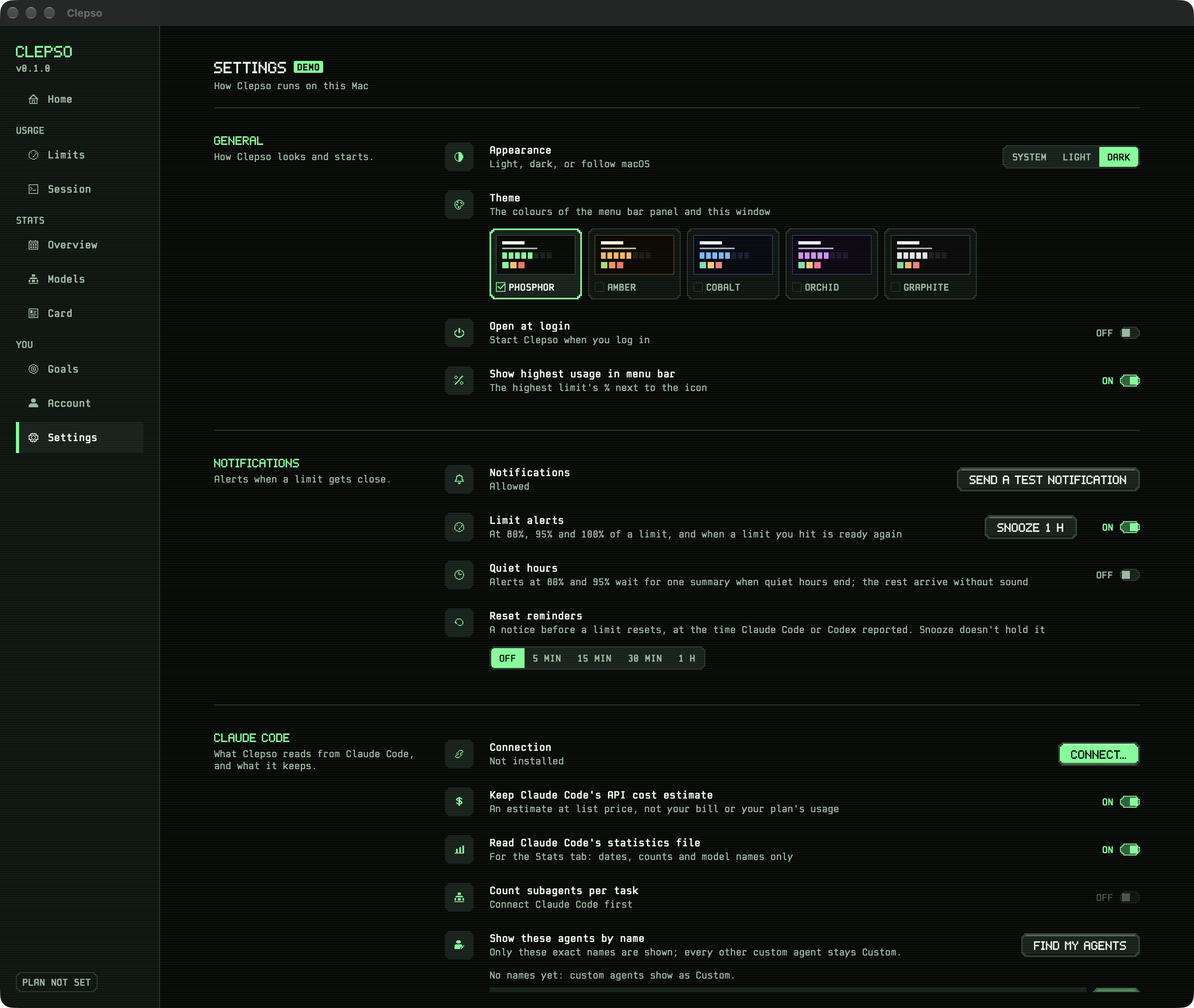
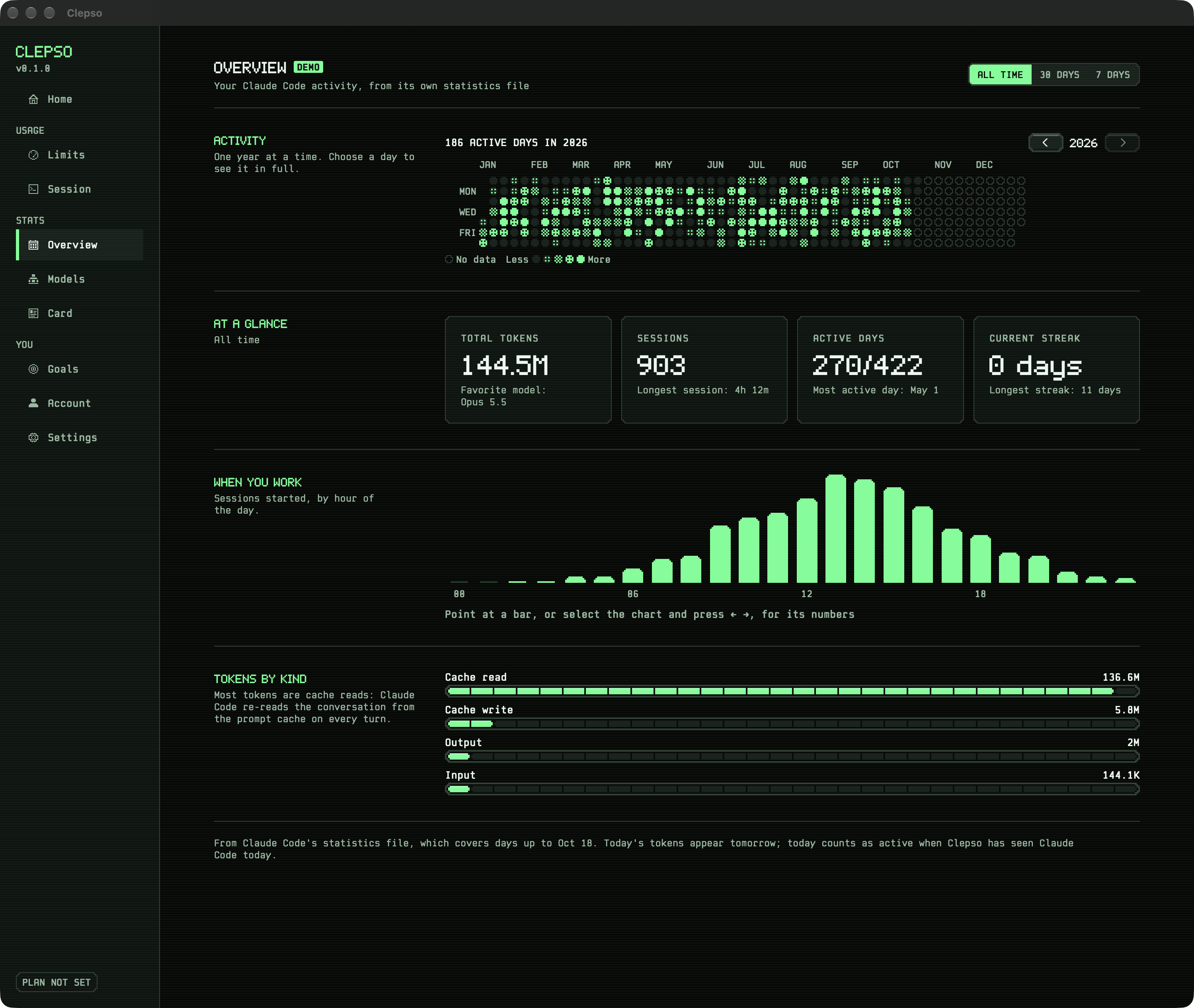
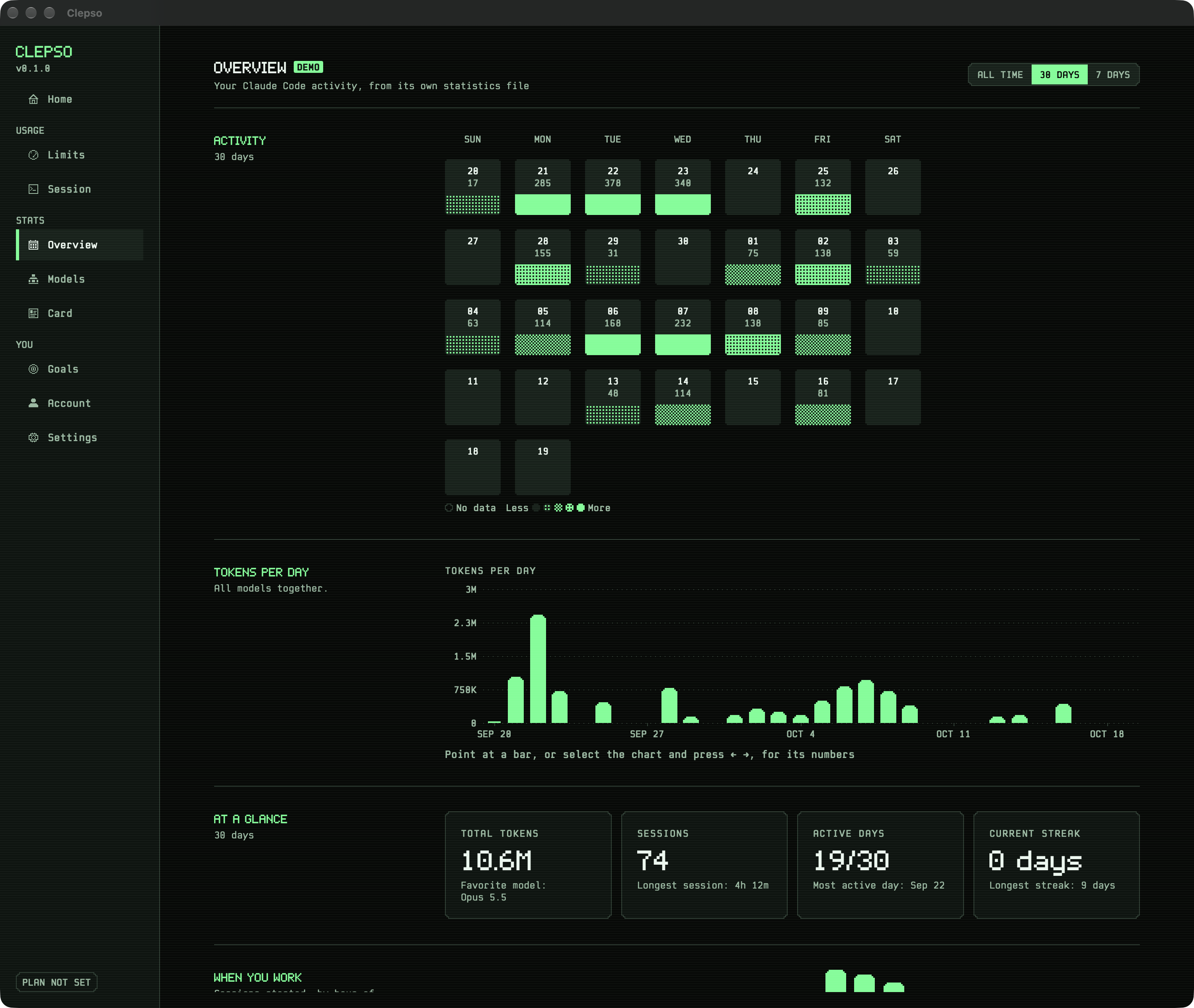
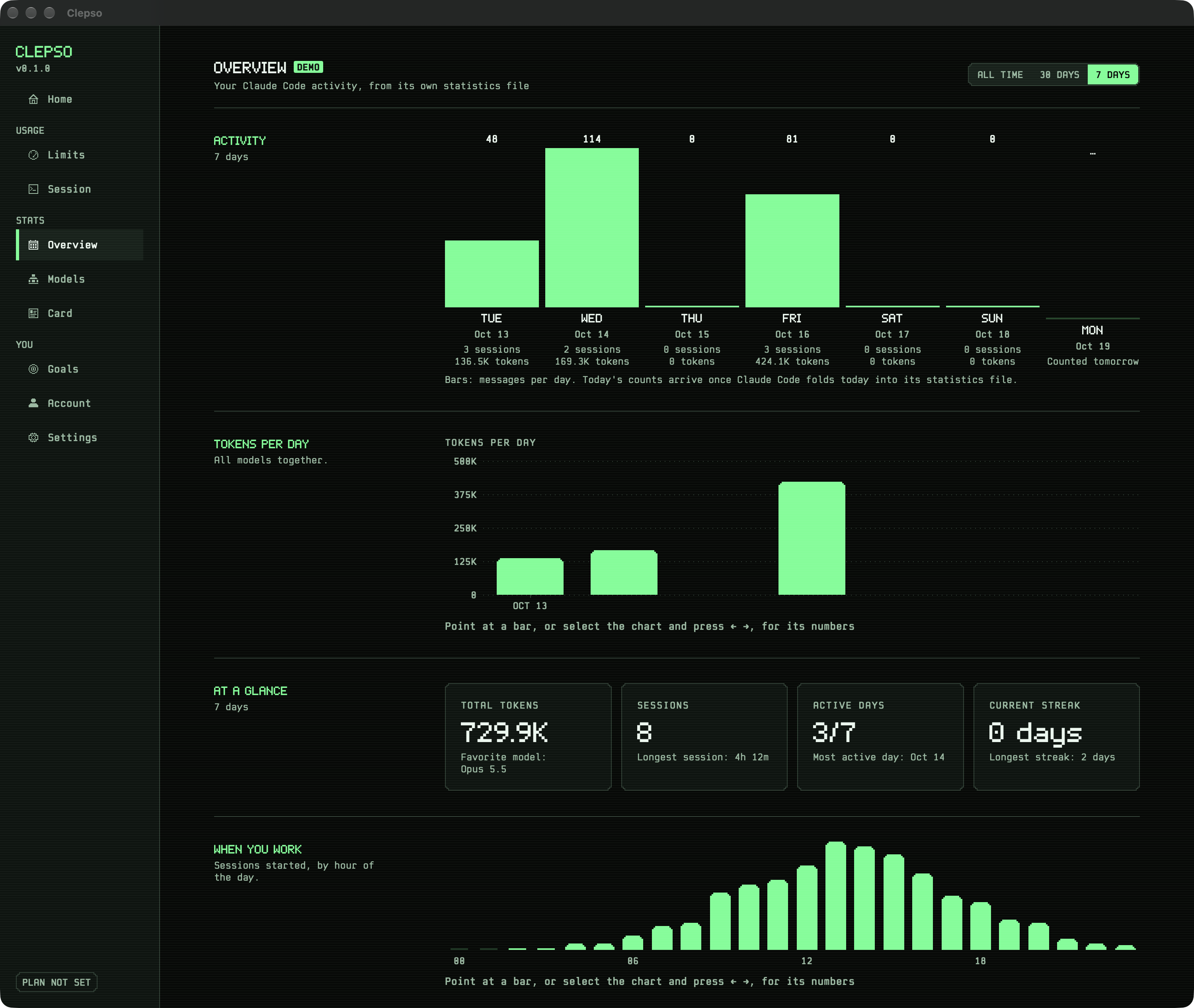
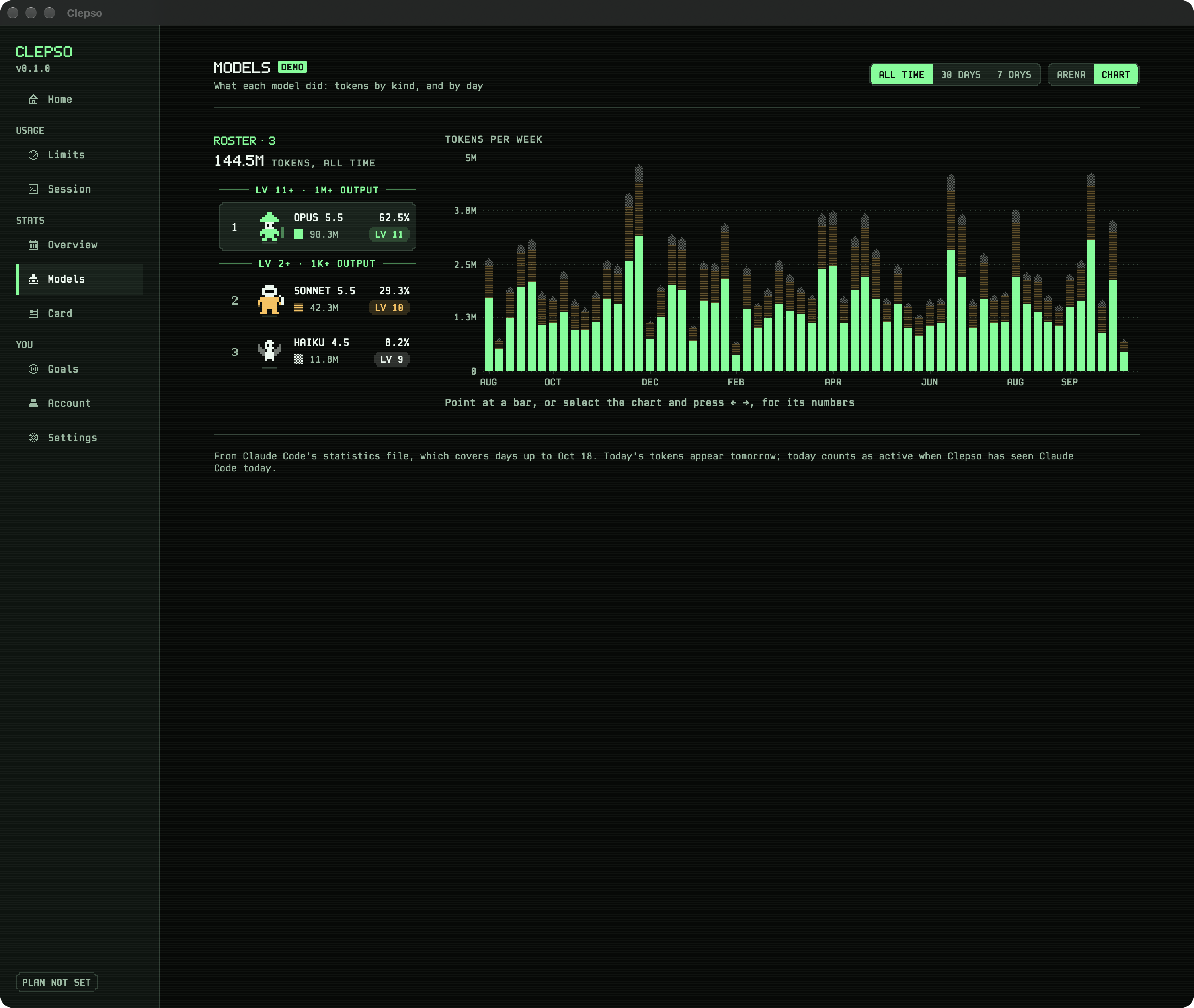
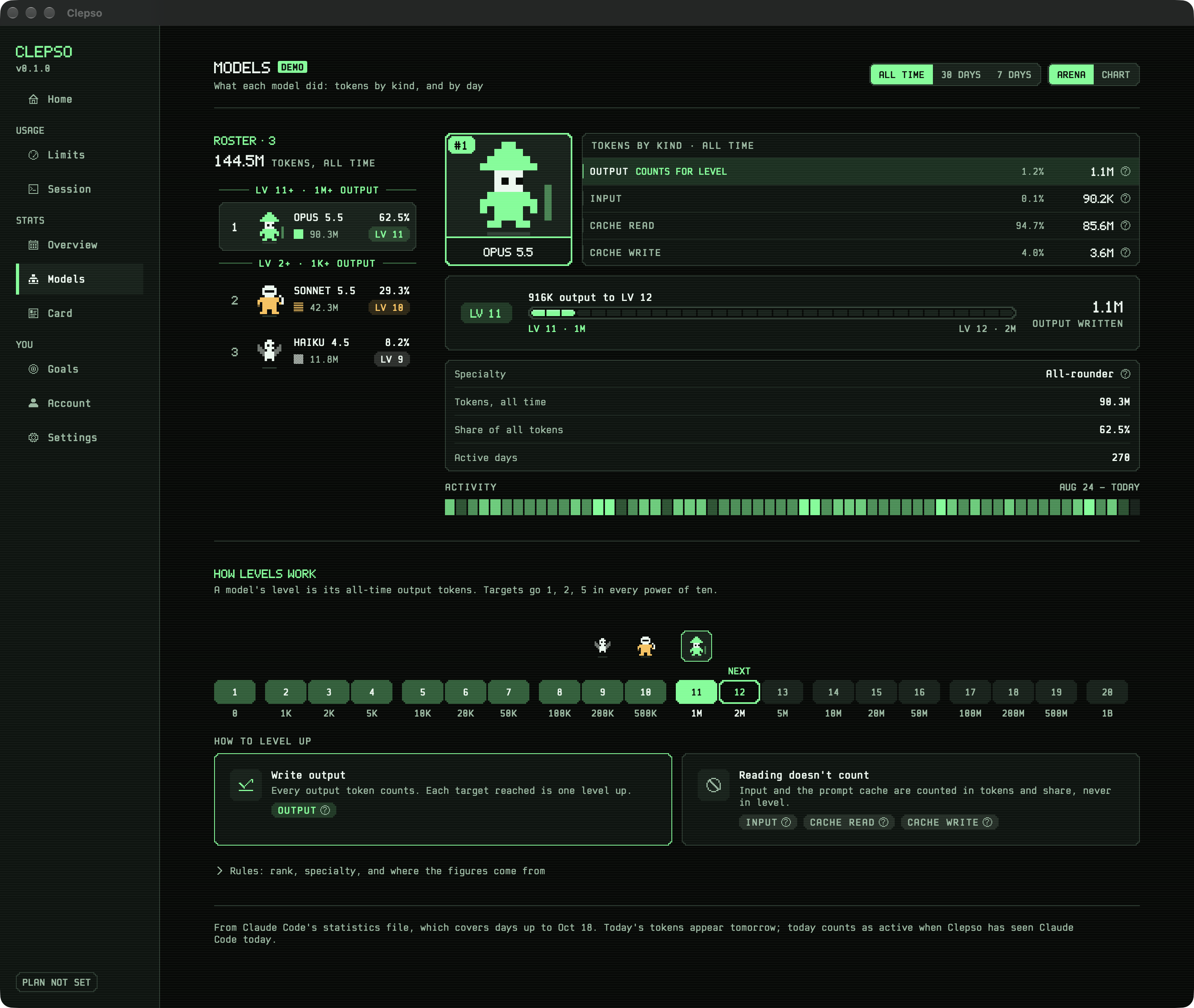
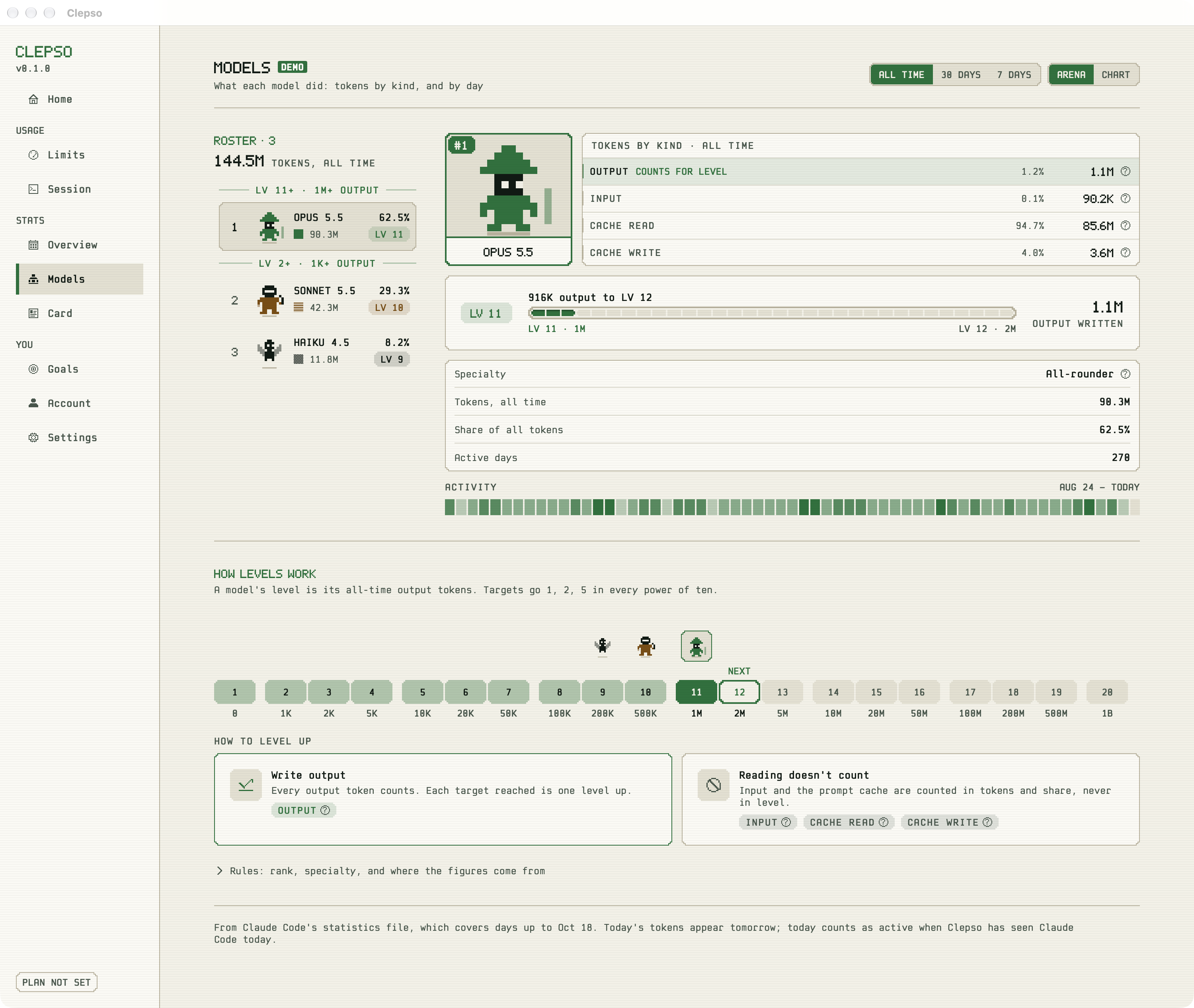
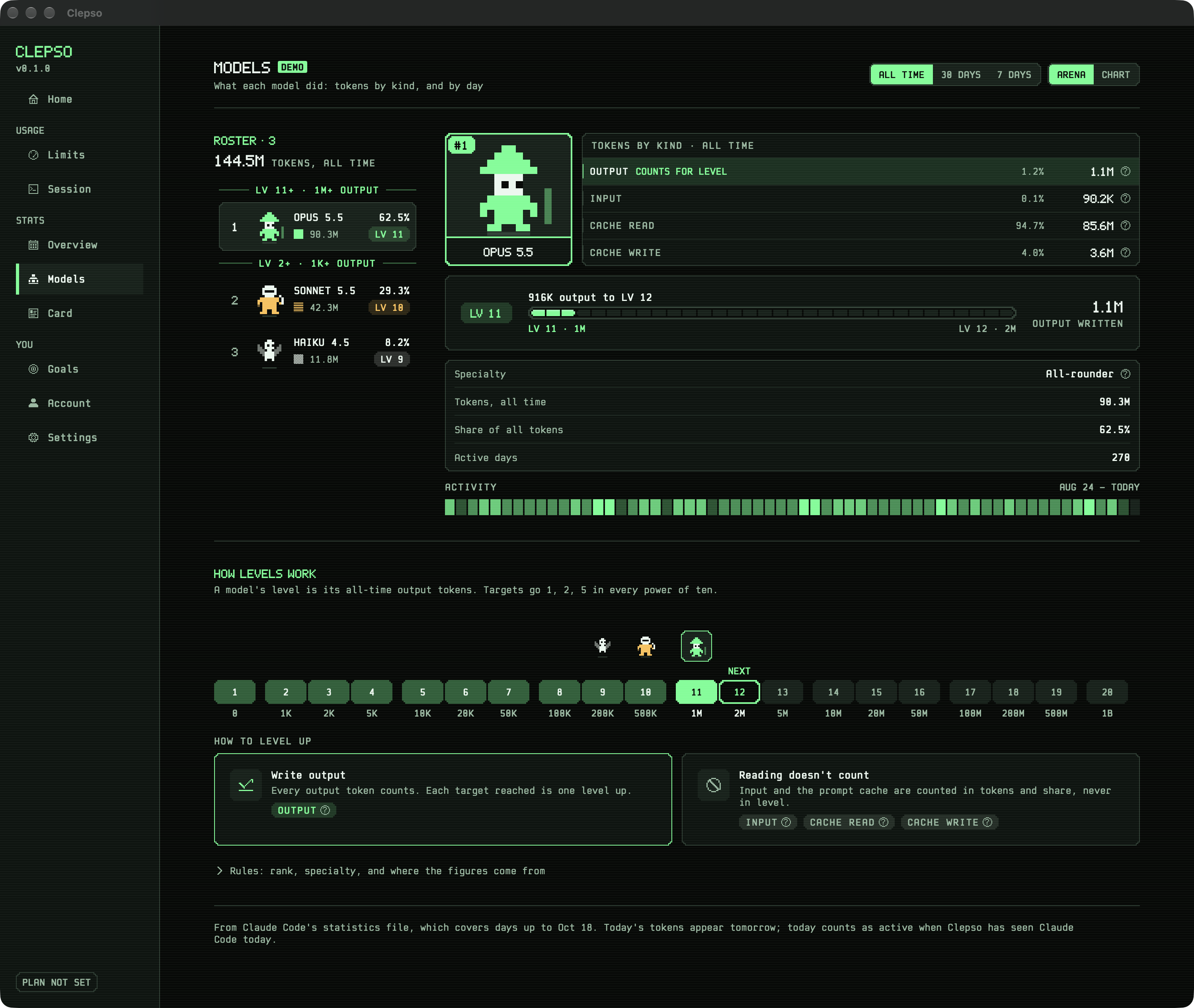
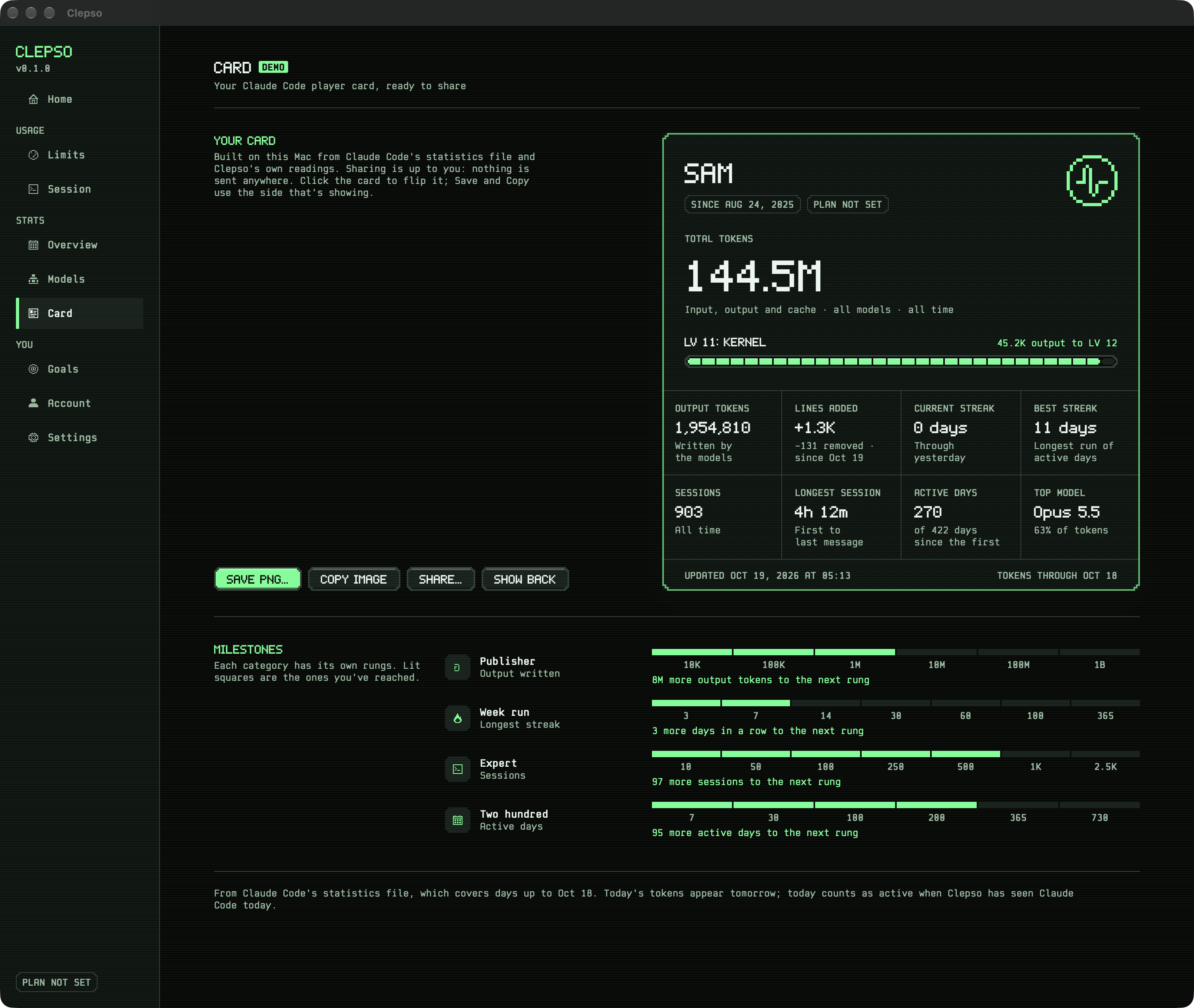
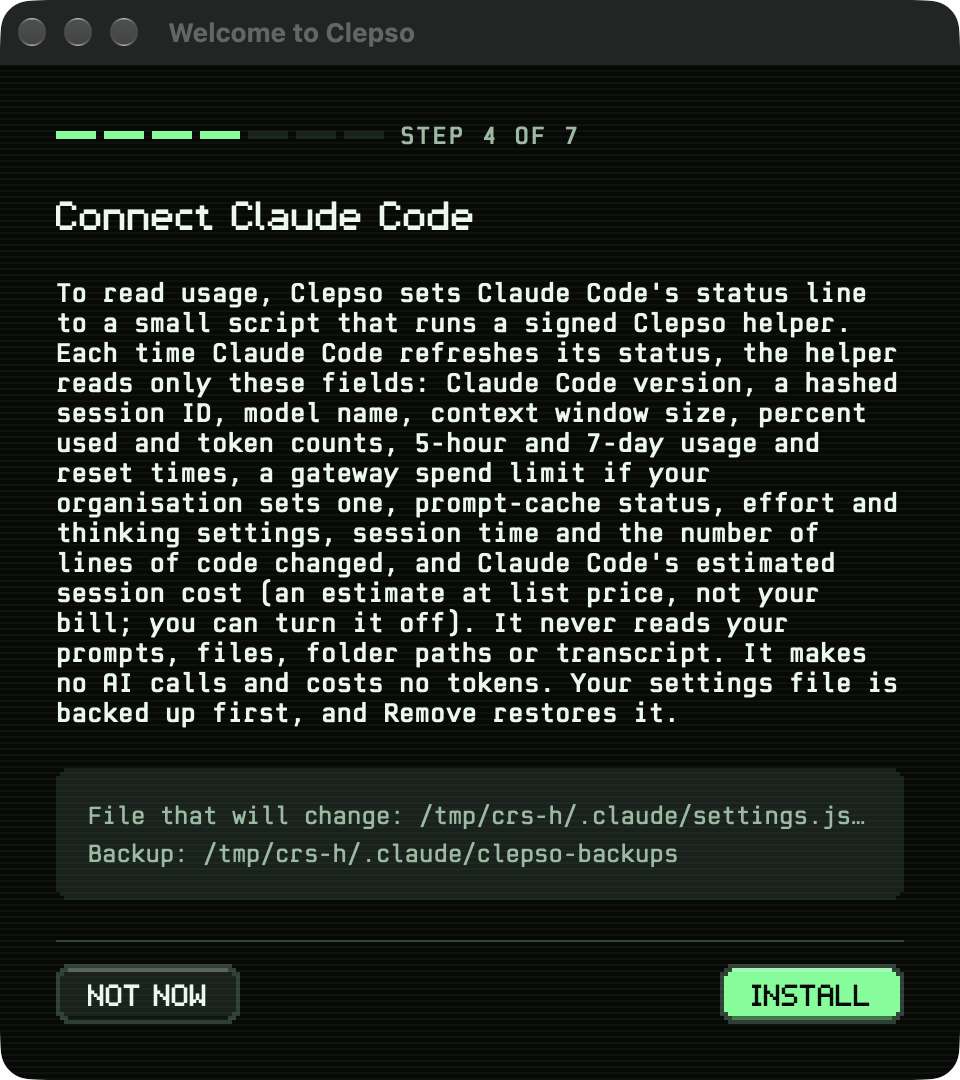
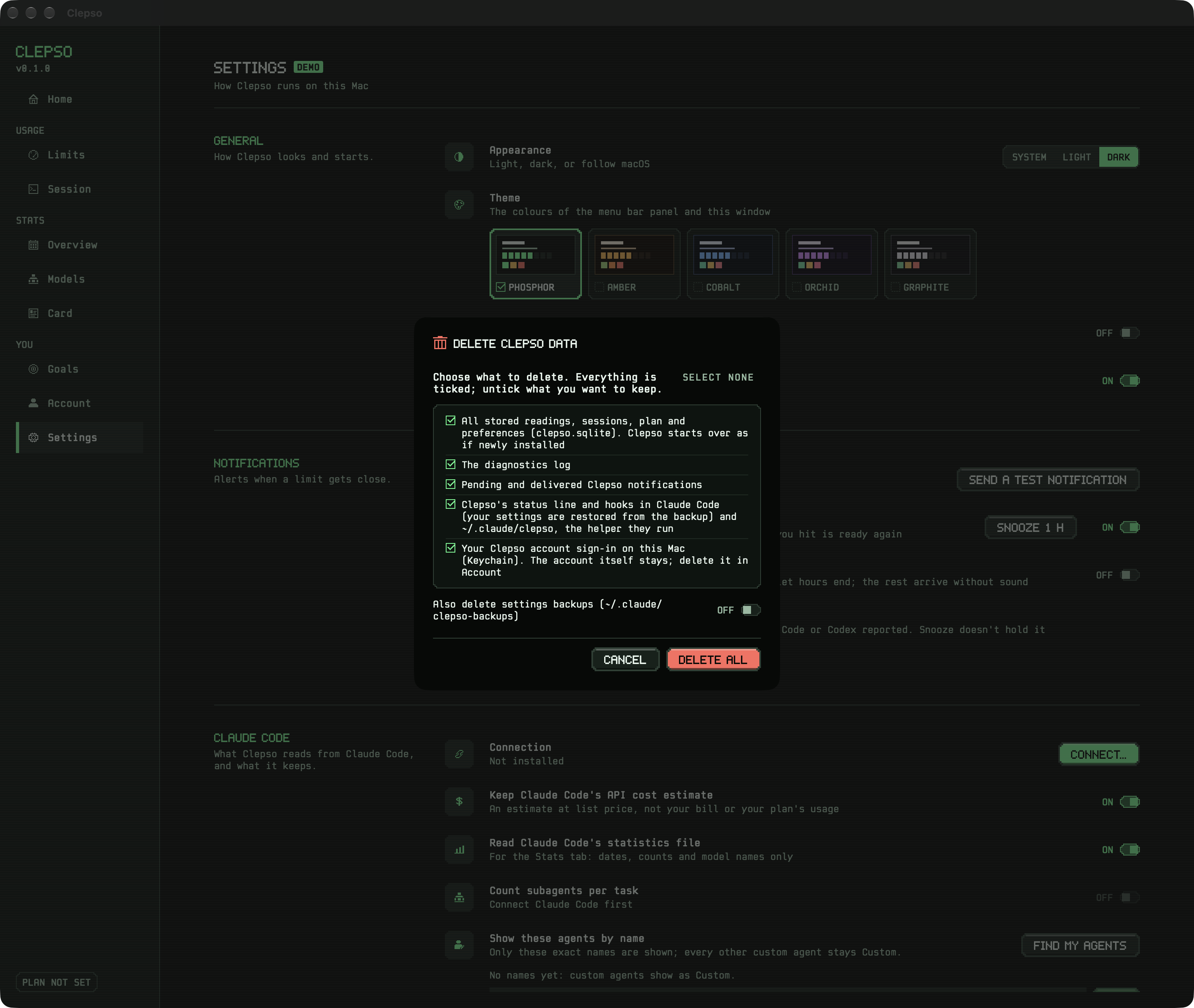
Menu bar › Menu bar panel. Both limits side by side with state, reset and pace estimate; the current session; one Dashboard button.Menu bar › Provider detail. Plan, both limits and the session in more depth.Menu bar › Provenance inspector. Where a number came from and how fresh it is.Dashboard › Home. A greeting, the running total, both limits, the latest task, goals at a glance and the last 12 months.Dashboard › Home, light mode. The same page in Phosphor light: paper, ink and deep green.Dashboard › Limits. Each limit over its own window: scale, threshold bands, NOW, the span before readings, the pace estimate.Dashboard › Session. The current session in full, agents per task, recent sessions, and sessions by model.Dashboard › Goals. Active days a week, the 5-hour peak and the week's finish, each with its state in words and its target.Dashboard › Account. Profile, plan, sign in by email link (Apple, Google and GitHub being set up), your year and the danger zone.Dashboard › Settings. Settings in the window, as rows with a line of explanation each.Stats › Overview, all time. A January–December activity calendar with a year switcher, tiles, hours and tokens by kind.Stats › Overview, 30 days. A month calendar with message counts beside tokens per day.Stats › Overview, 7 days. A column per day: messages, sessions and tokens.Stats › Models, chart. The roster beside tokens per week stacked by model, drawn as pixel columns on a real date axis.Stats › Models, arena. A ranked roster; the chosen model's dossier: its pixel character, tokens by kind, level bar, specialty and activity.Stats › Models, light mode. The same page in Phosphor light.Stats › Models, how levels work. The level track with each model standing on its level, the next one marked, and how to level up.Stats › Card. The player card: name, first session, plan, milestone stamps, output total, named level; copy, save or share.Setup and safety › Onboarding consent. What Clepso reads and keeps, before anything is installed.Setup and safety › Delete all. Removes Clepso's data and restores Claude Code's settings.